
Design a loyalty program made for your business
Build the campaign, set the rules, design the card and give your customers a reason to come back.

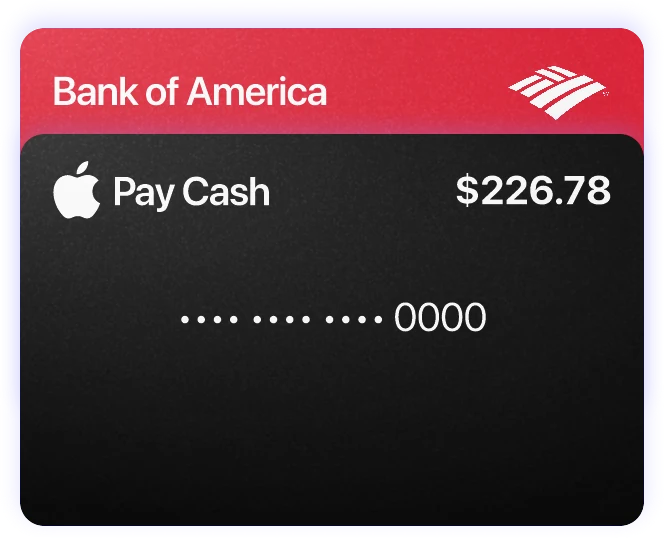
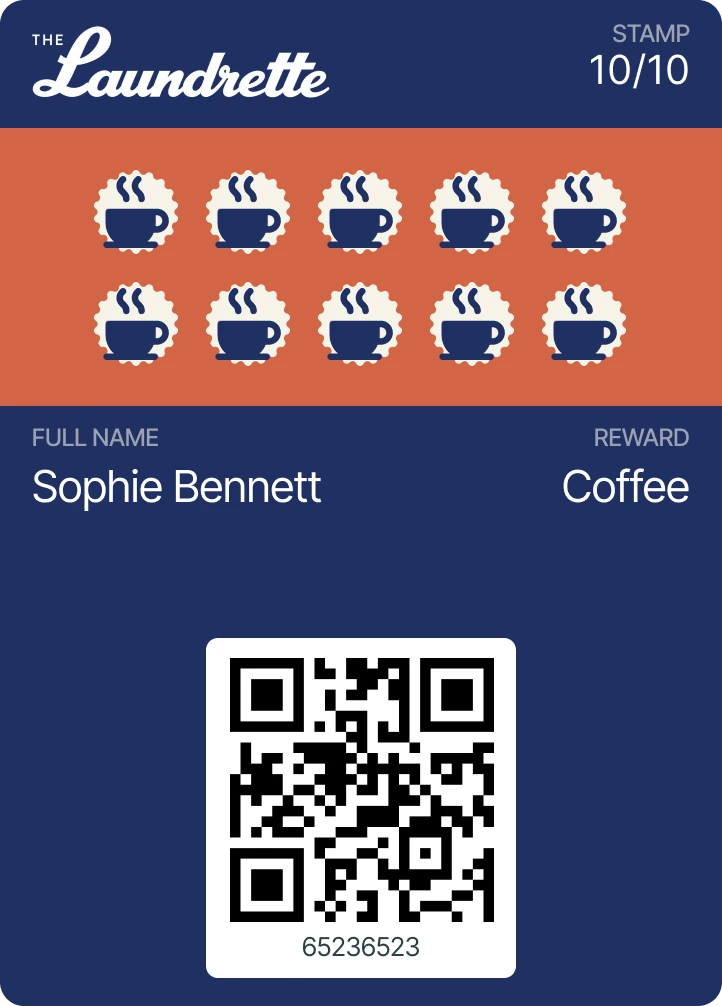
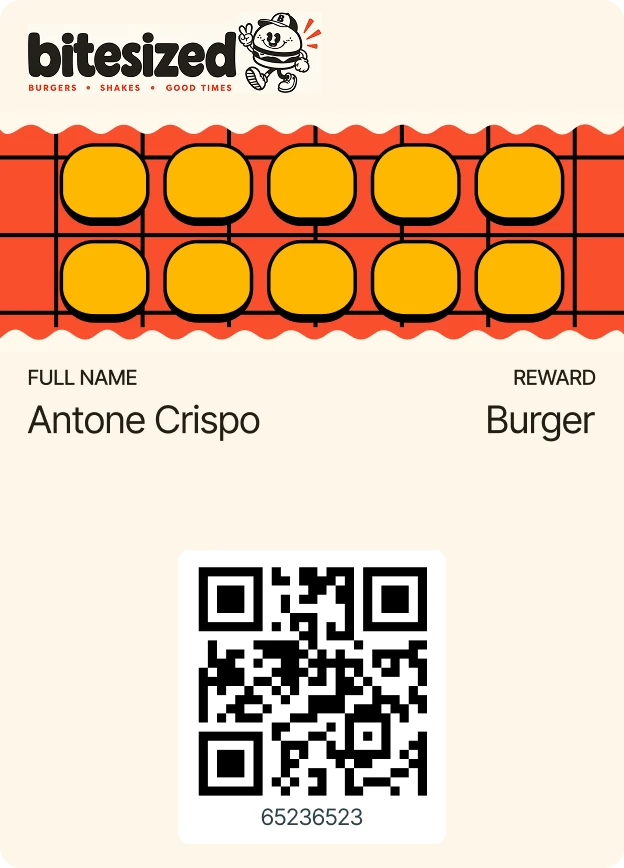


Your growth partner that wins loyal customers!
A loyalty program is an earn-and-spend reward system that brings customers back on every visit — it lifts how often they come and how much they spend.
With Yoybo your customers add your digital loyalty card to Apple Wallet or Google Wallet without downloading anything. You set up the rewards and campaigns, then stay in touch through notifications, win-back campaigns, referrals and feedback.


A loyalty program that runs itself
No app to download
The card goes straight into Apple Wallet or Google Wallet. Your customer downloads nothing and creates no account or password.
Card design you control
Match the card to your brand. Pick the colors, logo, stamp icon and background — and a different image for every reward if you like.
Location reminders
PROWhen a customer is near your shop, the card shows up on their lock screen. No ad budget, no SMS cost, just a nudge to come back.
Push notifications
Message the customers carrying your card, with no per-message fee. Add a stamp and the updated card appears on their lock screen by itself.
Automatic campaigns
Set up campaigns for birthdays, holidays, special days or the quiet weeks. Rewards and offers reach your customers when the moment comes.
Referral program
Customers share their own invite link and bring friends in — both the inviter and the friend get something out of it.
Win-back campaign
Wake up customers who stopped coming. After the gap you choose, send a notification, a free stamp or a reward of your own.
Ready-made campaigns
You don't have to start from scratch. Pick a ready-made setup, adjust the rewards and wording to your business, publish.
Rewards along the way
Nobody has to wait for the last stamp. Give 20% off at the 4th stamp, something free at the 8th — a different reward at each step.
One business, several cards
Run more than one loyalty card at a time. Create separate cards for different products or services and let customers join whichever they want.
Email campaigns
PROSend your messages by email too, without paying for a separate email marketing tool or another subscription.
Feedback with surveys
Add short questions to the reward moment and collect feedback from real customers. See every answer in one place.
More Google reviews
Point happy customers to your Google review page at exactly the right moment, and turn good visits into visibility.
Loyalty analytics
See how many cards were opened, how many were completed and which stamp people give up on. Shape your rewards around the numbers.
Print material included
Table cards and stickers that make the digital card easy to spot, so customers notice it while they are in the shop.
Takes just 15 seconds
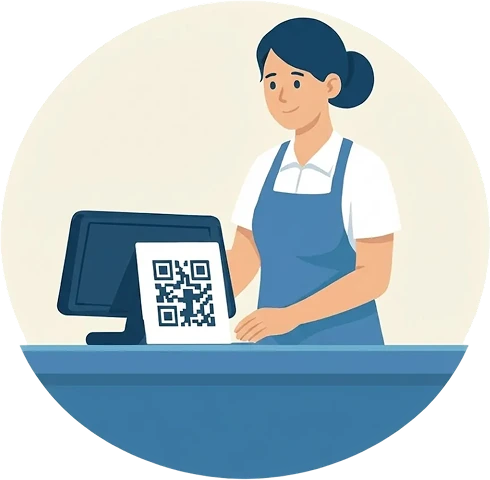
Place your QR code
After setup, download your unique QR code from your dashboard and place it at the counter or on tables.

The customer scans and signs up
No app to download: they fill in the form and load the loyalty card into Apple or Google Wallet.

Scan to give a stamp
You scan the code on the customer's screen with your own app and add the stamp or reward.

They come back to use the reward
Your customer returns to spend the rewards they collected on their next visit.
For businesses that want customer loyalty!
 Nail Salons
 Beauty Salons
 Coffee Shops
 Restaurants
 Bakeries & Patisseries
 Ice Cream Shops
 Gyms, Pilates & Fitness
 Hotels
 Pet Groomers
 Car Washes
 Dry Cleaners
Want to try it?
Curious how your customers add the digital loyalty card? Scan the code with your phone camera.
Got questions? We’ve got answers
Set up your own system in minutes
Build the campaign, set the rules, design the card and give your customers a reason to come back. The whole setup takes 10 minutes.
Start for free
